
Photo Printing in Pasig City: How to Get Clear, High-Quality Prints
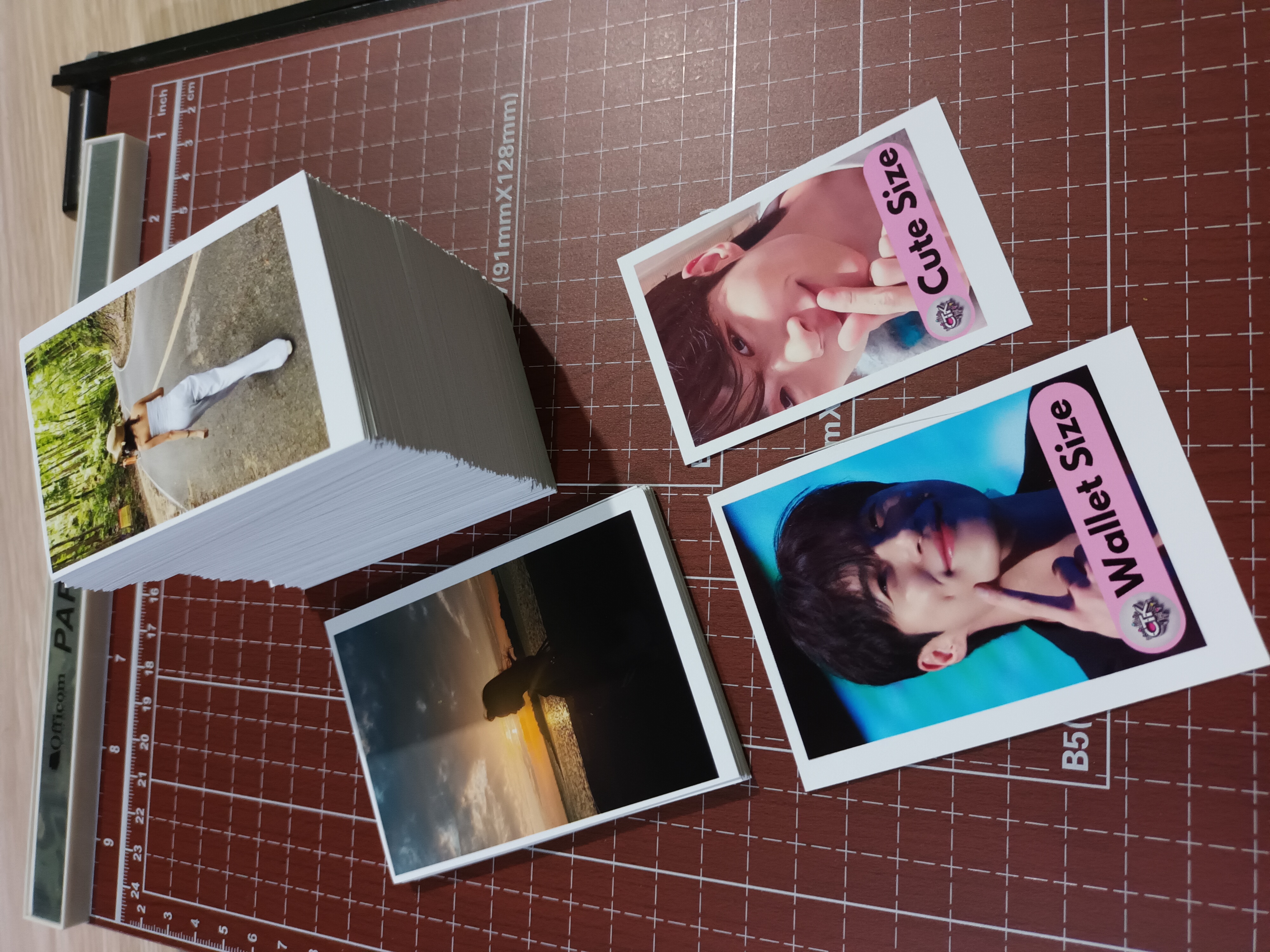
If you are looking for photo printing in Metro Manila, getting clear and high-quality prints starts with one important factor:
the file you send.
At CTK Online Printing, we offer convenient and reliable photo printing using quality materials, perfect for personal memories, gifts, documents, and business use.
But even with the best paper, the final result still depends on your image quality.
Our Photo Printing Options
We offer photo printing on:
• Glossy Photo Paper – vibrant colors and a shiny finish
• Woven Photo Paper – softer texture with a more premium, less reflective look
We also provide multiple size options from small wallet-size prints to larger formats like A4.
Whether you are printing for keepsakes, IDs, gifts, or projects, we have flexible options to fit your needs.
Why Image Quality Matters
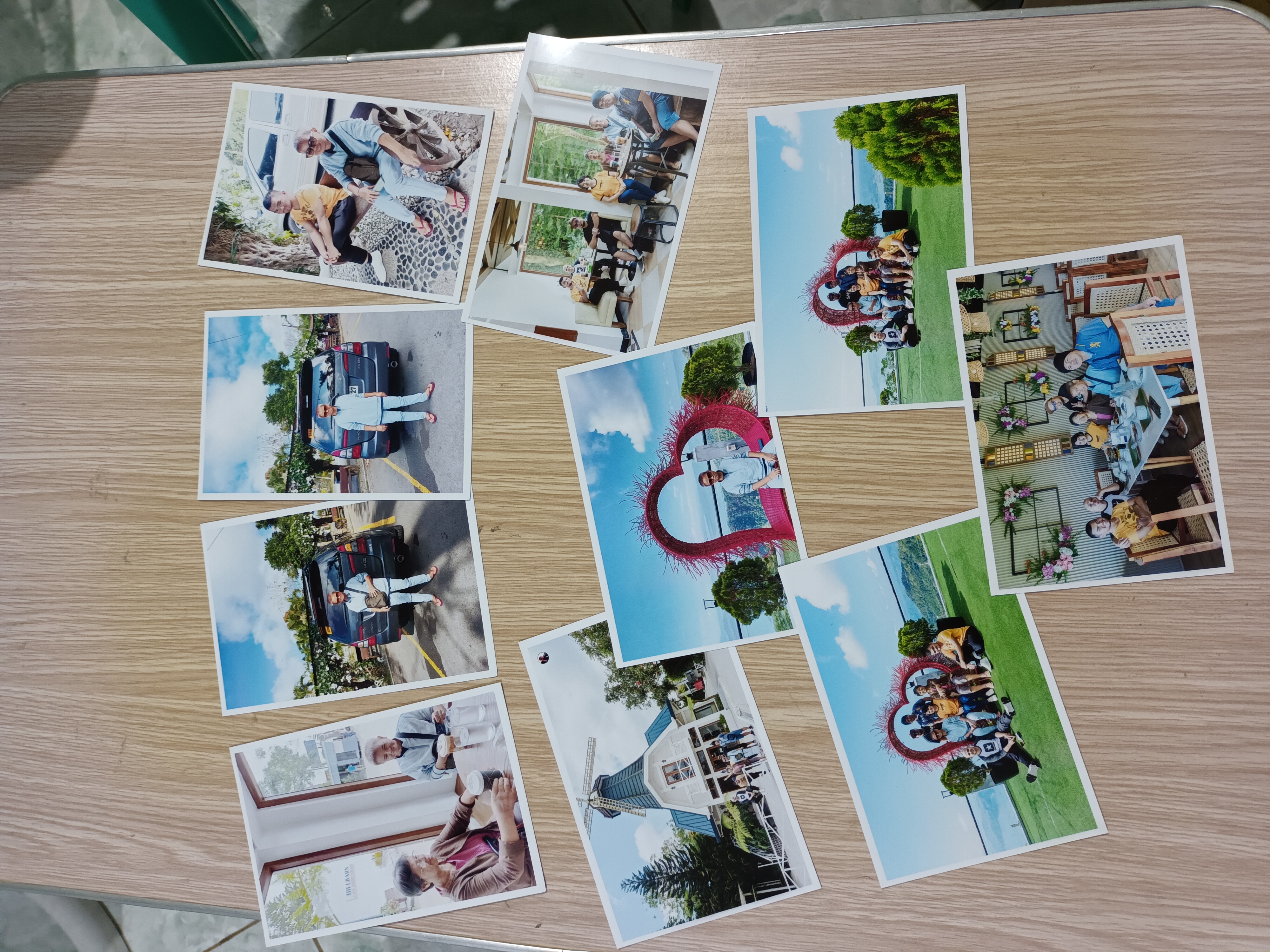
One of the most common issues we encounter is blurry or pixelated prints.
In most cases, the problem is not the printer—it’s the file quality.
Many images lose quality because they have been:
sent through multiple messaging apps
downloaded from social media
taken as screenshots
heavily cropped or zoomed
Once image quality is reduced, it cannot be restored during printing.
That is why sending the correct file is essential.
Always Send the Original File
For best results, always send the original image file.
Avoid sending:
screenshots
forwarded images from chat apps
downloaded copies from Facebook or Instagram
These versions are often compressed, which lowers resolution and affects print clarity.
If you want sharp, vibrant prints, the original file will always give the best result.
Simple Tips for Better Photo Prints
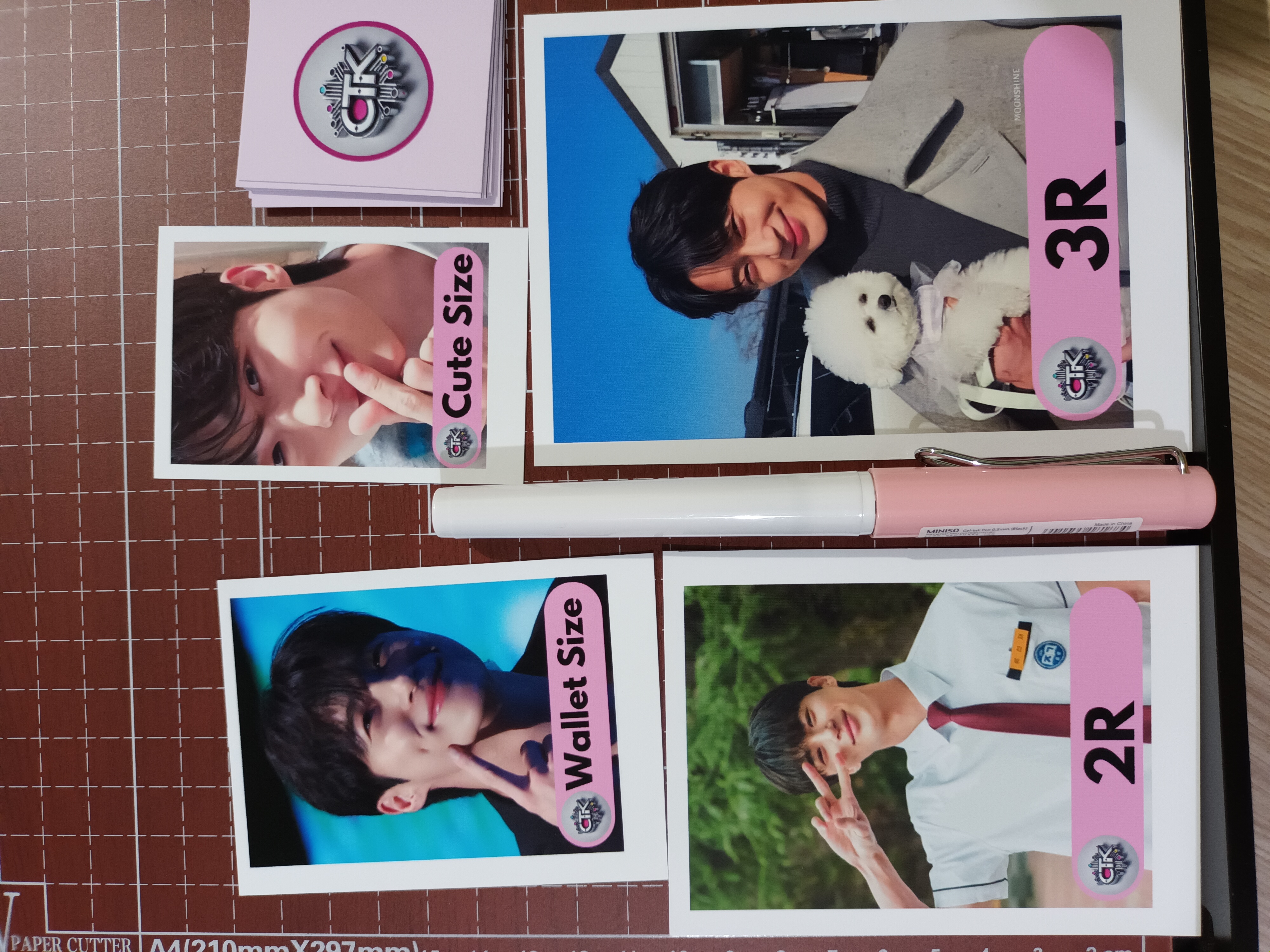
To make sure your photos come out clear and high-quality, follow these guidelines:
Use the original file.
Send the image directly from your device or source. Avoid resending or re-saving multiple times.
Avoid too much cropping or zooming.
Zooming in too much can make your image pixelated when printed.
Choose the right file format.
For best results, send files in:
PDF
PNG
high-quality JPEG
Avoid screenshots and social media downloads.
These versions are compressed and usually lower in quality.
Use good lighting or high-resolution images.
Clear source images produce better printed results.
Common Mistakes to Avoid
To get the best outcome, avoid these common issues:
sending low-resolution images
using screenshots instead of original files
over-editing or over-cropping images
downloading photos from social media platforms
These may look fine on your phone but can appear blurry when printed.
Convenient Photo Printing in Metro Manila
CTK Online Printing makes photo printing simple and flexible.
Just send your ready-to-print files, confirm your order, and arrange rider pickup once your prints are ready.
No long lines. No unnecessary trips.
Just easy and reliable printing from wherever you are.
Want clear and high-quality photo prints? Send us your original files and get a quote for your photo printing needs.


Send > Print > Pickup